Getting Started with Dear ImGui for C++ Desktop Apps
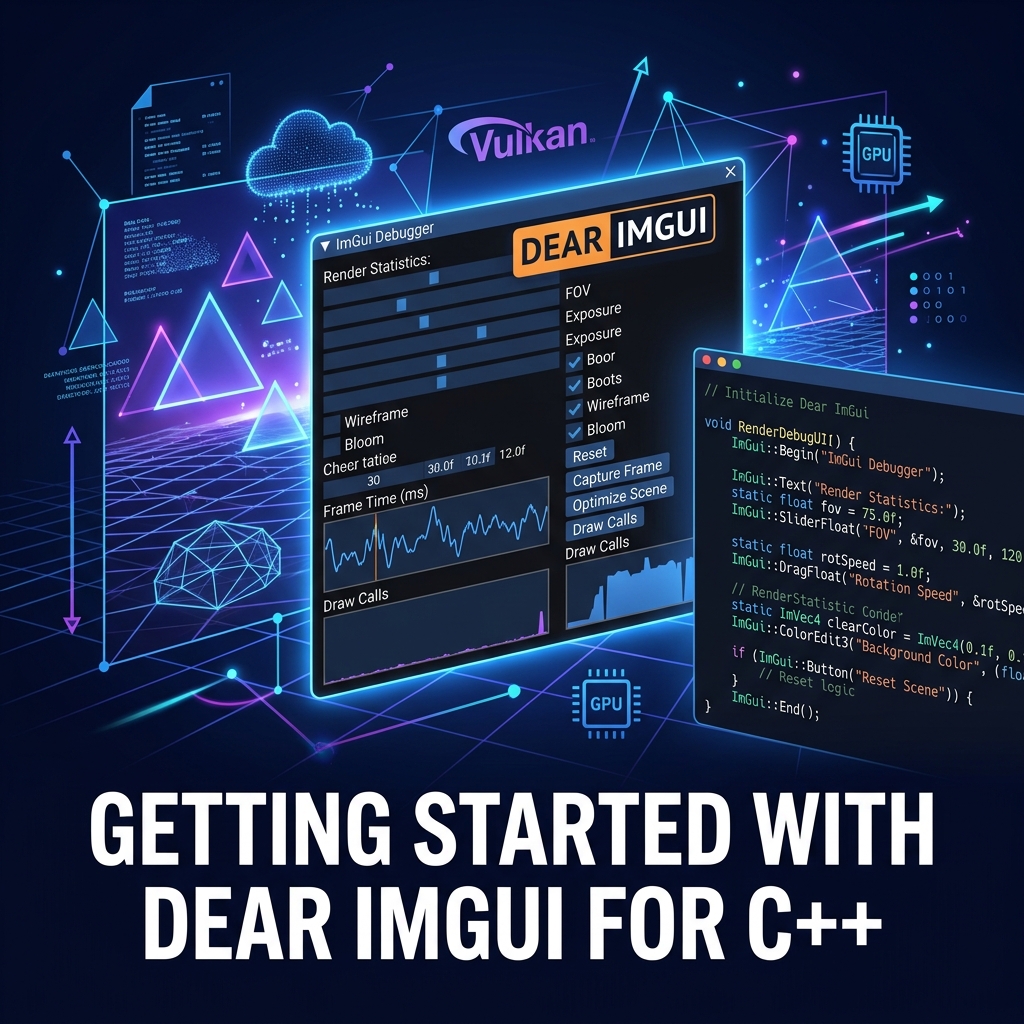
Immediate Mode GUIs for Tools
If you are building game engines, internal developer tools, or hardware debuggers in C++, traditional retained-mode GUI frameworks (like Qt or wxWidgets) can feel incredibly heavy and complex to integrate. Enter Dear ImGui.
What is Immediate Mode GUI?
In a retained-mode GUI, you create an object (like a Button), add it to a hierarchy, and rely on an event loop to call your callbacks. State is stored in the UI tree.
In an immediate-mode GUI, there is no UI state stored. You simply call the UI drawing commands every single frame inside your main game loop. If you want a button, you call an if (ImGui::Button("Click Me")) statement.
Why Dear ImGui?
- Zero integration friction: It is renderer-agnostic. It just outputs vertex buffers. You can hook it up to OpenGL, DirectX, Vulkan, or Metal easily.
- State management is trivial: Since the UI is redrawn every frame based on your app's variables, you never have data synchronization bugs.
- Fast to write: Creating complex debug panels takes minutes, not hours.
A Quick Example
// Inside your main loop, every frame:
ImGui_ImplOpenGL3_NewFrame();
ImGui_ImplGlfw_NewFrame();
ImGui::NewFrame();

// Build the UI
ImGui::Begin("Debug Panel");
static float f = 0.0f;
ImGui::SliderFloat("Speed", &f, 0.0f, 1.0f);
if (ImGui::Button("Reset")) {
    f = 0.0f;
}
ImGui::End();

// Render
ImGui::Render();
ImGui_ImplOpenGL3_RenderDrawData(ImGui::GetDrawData());
Software