Shapefile vs. GeoJSON: A Developer's Guide to GIS Formats
The Tale of Two Formats
In the world of GIS (Geographic Information Systems) and web mapping, developers constantly encounter two dominant formats: the legacy Shapefile and the modern GeoJSON. Here is how they compare.
The ESRI Shapefile
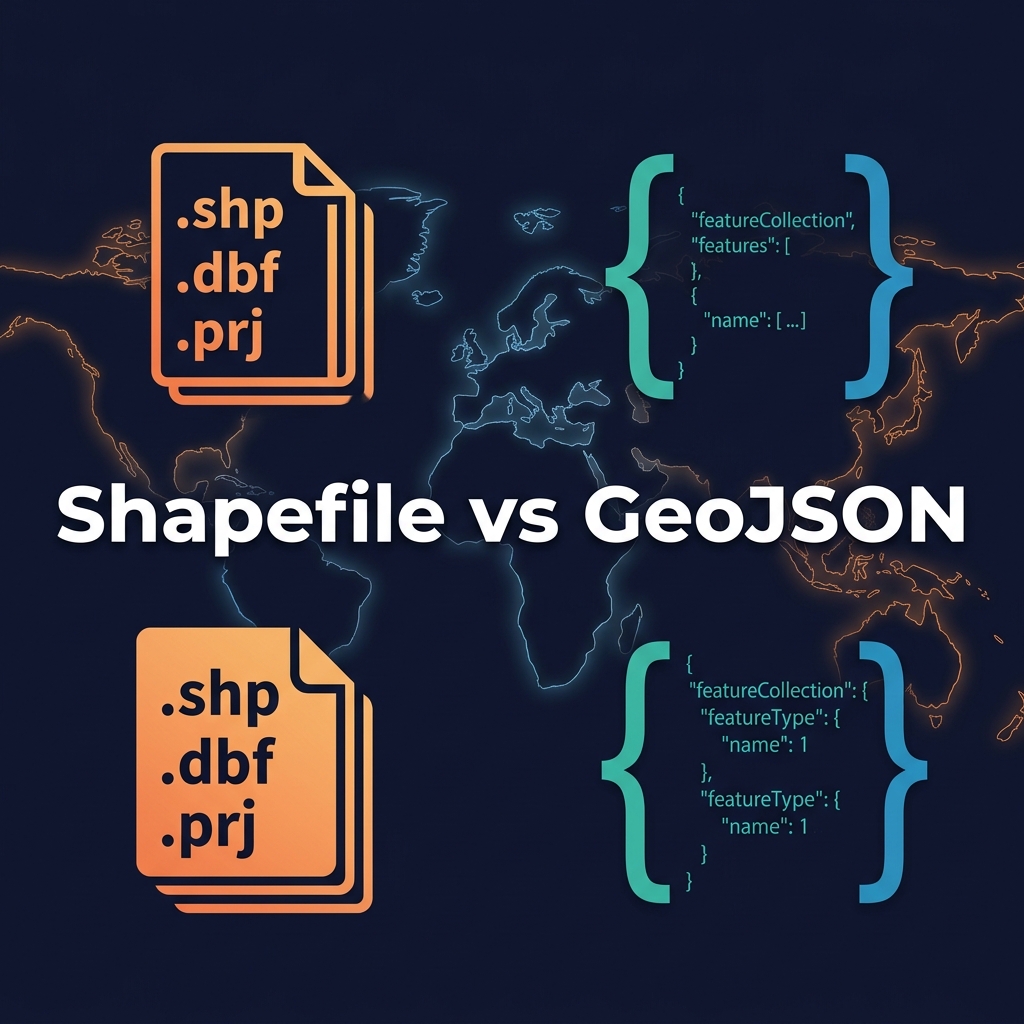
Created by ESRI in the 1990s, the "Shapefile" is not actually a single file. It is a mandatory collection of at least three files:
.shp: Contains the geometry data (points, lines, polygons)..shx: The index file..dbf: A dBase database file containing the attribute data (properties)..prj: (Optional but critical) Defines the coordinate system.
Pros: Supported by literally every desktop GIS software. Extremely fast to read sequentially.
Cons: Cannot hold multiple geometry types in one file. File size limits (2GB). Annoying to transfer over the web because it requires zipping multiple files.
GeoJSON
GeoJSON is an open standard format designed for representing simple geographical features using JSON (JavaScript Object Notation).
Pros: Human-readable. A single text file. Natively supported by web browsers, JavaScript mapping libraries (Leaflet, Mapbox), and NoSQL databases like MongoDB and Postgres/PostGIS.
Cons: File sizes can become massive compared to binary formats, making them slow to parse if not simplified or served via vector tiles.
The Verdict
Use Shapefiles when storing raw data, archiving, or working in desktop tools like QGIS or ArcGIS. Convert to GeoJSON when you need to transmit data via a REST API or render it on a web map.