Building an Auto-Shutdown System with the MCP2221, Python, and a Delay Circuit
title: "Building an Auto-Shutdown System with the MCP2221, Python, and a Delay Circuit"
category: "Electronics"
date: "2026-06-17"
description: "Learn how to use the MCP2221 USB-to-I2C/UART/GPIO breakout board alongside a custom delay circuit and Python to safely auto-shutdown a Windows system."
Building an Auto-Shutdown System with the MCP2221, Python, and a Delay Circuit
In many embedded applications, arcade cabinets, or remote kiosks, safely powering down a Windows PC without a keyboard or mouse is a common challenge. Hard-cutting the power can corrupt the operating system, but relying on users to manually navigate to the start menu isn't always practical.
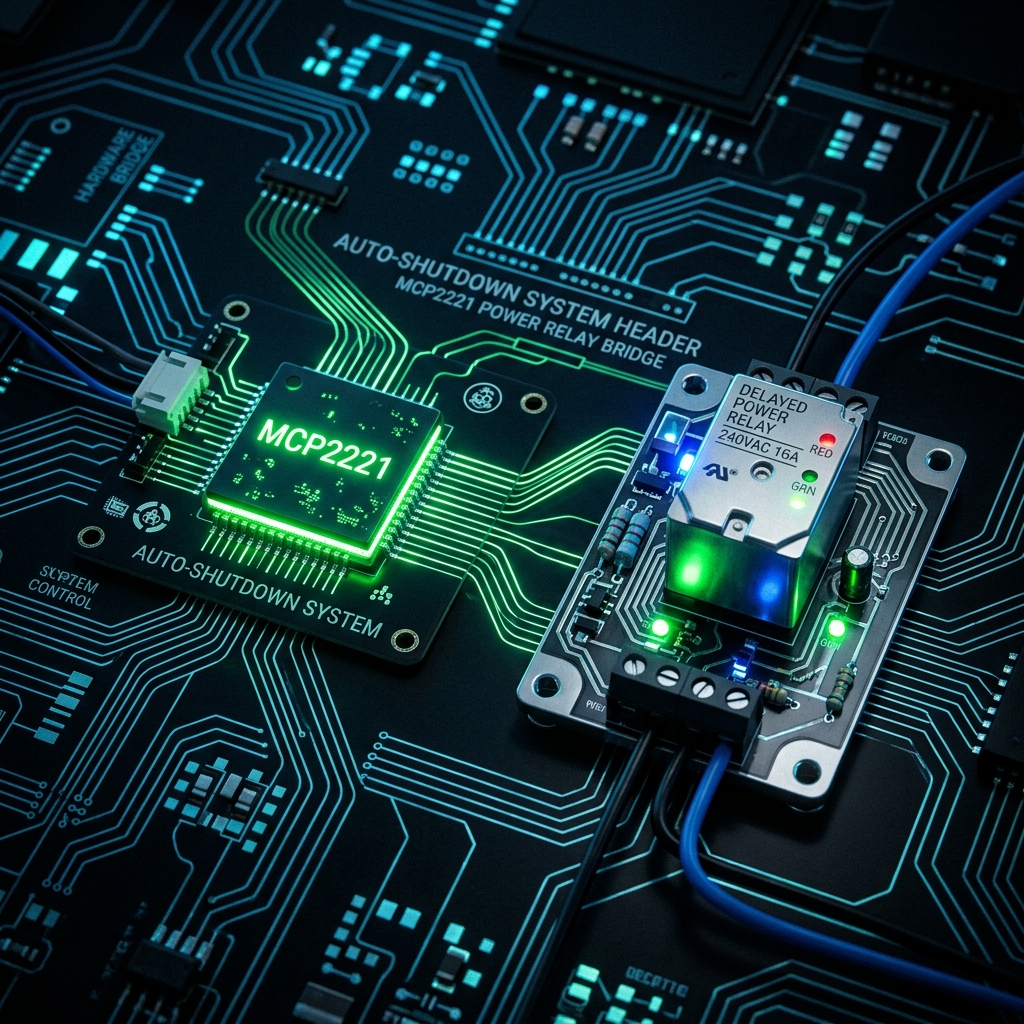
To solve this, we recently designed and implemented a hardware-software bridge using the Microchip MCP2221 board, a custom delay circuit, and a lightweight Python script. Here’s a look at how we built this auto-shutdown system and how you can replicate it for your own projects.
The Hardware: MCP2221 and the Delay Circuit
The [MCP2221](https://www.microchip.com/en-us/product/MCP2221A) is a fantastic, low-cost USB-to-UART/I2C serial converter that also includes general-purpose input/output (GPIO) pins. Because it connects directly via USB, it acts as the perfect bridge between physical hardware switches and our PC's software.
The Problem with Immediate Shutdowns
If a user flips a physical "Power Off" toggle switch, we don't want the PC's power supply to immediately cut out. Windows needs time to close background processes, save states, and gracefully halt.
The Solution: An MCU-Controlled Delay
To handle this, we implemented a custom auto-shutdown system where a Microcontroller Unit (MCU) bridges the physical switch and the PC.
When the physical power switch is thrown:
- The MCU detects the change and begins a hardware countdown before it actually cuts the mains power to the PC.
- Adjustable Delays: The user can easily adjust the required delay time (e.g., 10, 30, or 60 seconds) in the MCU to perfectly match how long their specific Windows machine takes to halt.
- Simultaneously, the MCU signals the PC by driving one of the MCP2221's GPIO pins LOW. We are reading the status directly from the MCU pin to the MCP2221 GPIO.
This gives our software a 30-second window to detect the switch throw and command Windows to shut down gracefully before the physical power is severed.
The Software: Python and GPIO Polling
To detect the GPIO state change, we wrote a background Python service. The script relies on the EasyMCP2221 library (or Adafruit's Blinka) to poll the USB device, and the built-in os module to trigger the Windows shutdown.
1. Setting up the Environment
First, install the required library:
pip install EasyMCP2221
2. The Python Script
Here is the core logic that runs in the background on the Windows machine. It continuously polls GP3 on the MCP2221. When it detects that the delay circuit has pulled the pin low, it fires the Windows shutdown command.
import time
import os
import EasyMCP2221

# Connect to the MCP2221 device
try:
    mcp = EasyMCP2221.Device()
    print("MCP2221 Connected Successfully.")
except Exception as e:
    print(f"Failed to connect to MCP2221: {e}")
    exit(1)

# Configure GP3 as a GPIO Input
mcp.set_pin_function(gp3="GPIO_IN")

print("Monitoring power switch on GP3...")

while True:
    try:
        # Read the status of all GPIO pins
        status = mcp.GPIO_read()

        # Check if the delay circuit has pulled GP3 Low (0)
        # Assuming an Active-Low configuration
        if status['gp3'] == 0:
            print("Power switch toggled! Initiating graceful shutdown...")

            # Send the Windows shutdown command
            # /s = shutdown, /t 0 = zero second delay in Windows
            # (since our hardware circuit gives us the time we need)
            os.system("shutdown /s /t 0")

            # Break the loop so we don't spam the command
            break

        # Poll every 500ms to avoid high CPU usage
        time.sleep(0.5)

    except Exception as e:
        print(f"Error reading MCP2221: {e}")
        time.sleep(1)
How It All Comes Together
When the system is running, the workflow looks like this:
- User turns off the main switch.
- The MCU detects this and begins its user-configured physical hardware countdown.
- The MCU simultaneously pulls the MCP2221 GP3 pin LOW.
- Within 500ms, our Python script detects the LOW state.
- Python executes
shutdown /s /t 0. - Windows gracefully logs out, saves files, and powers down the OS.
- Finally, the MCU's adjustable delay timer expires and it completely cuts the AC mains power, ensuring zero phantom draw.
Conclusion
By combining a simple MCU-controlled delay with the MCP2221, we were able to create an incredibly robust and customizable auto-shutdown system. The user can adjust the delays as required, the MCP2221 handles the USB communication natively, and Python makes the Windows integration a breeze.